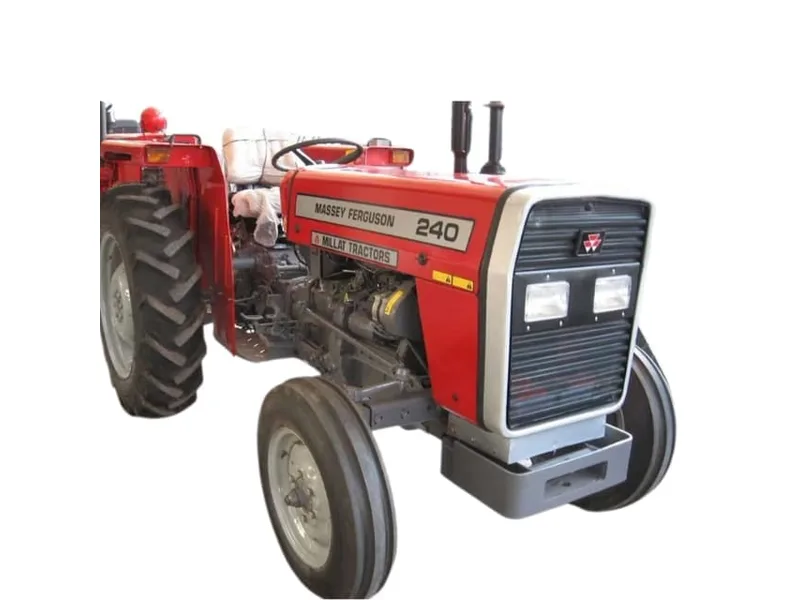
Last completed work
Keep the date, hour reading and parts used together.
HOUR METER & MAINTENANCE PLANNING
A useful service record connects the machine, the last completed job and the interval specified in its manual. Use the planner to organise the numbers without guessing an interval.
Explore the tool ↓START WITH THE REQUIREMENT
Keep the date, hour reading and parts used together.
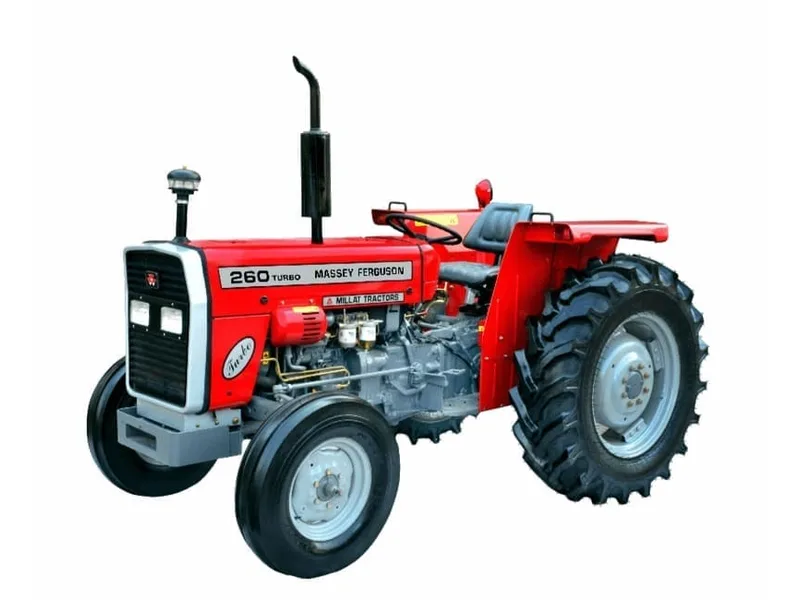
Use the applicable manual interval for each maintenance item.
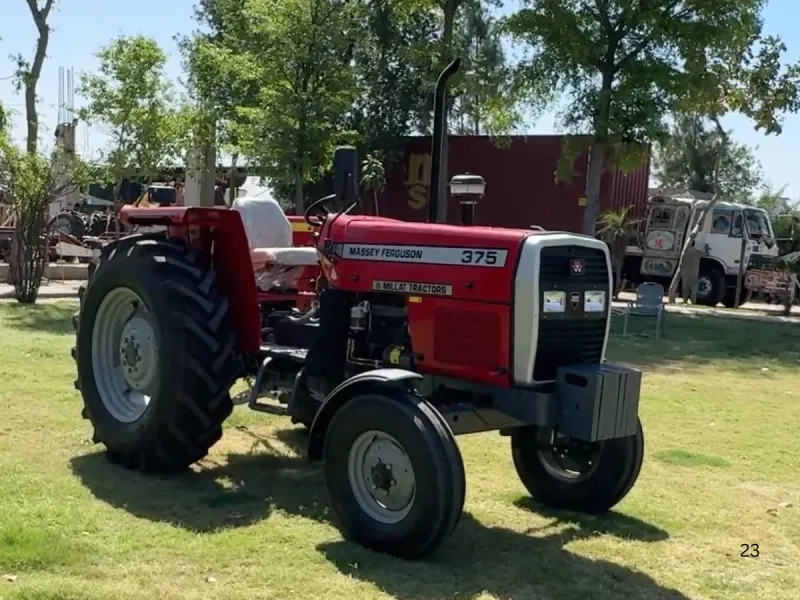
Record symptoms and outstanding work instead of relying on memory.
YOUR WORKING NOTES
Enter the interval from the applicable operator manual. The tool does not prescribe a service interval or override calendar-based requirements.
Tools run in your browser. Use the contact page when you are ready to prepare a separate enquiry.
Your result will appear here.
FIELD NOTES
Consistent records help you discuss maintenance and parts needs with the technician responsible for your tractor.
Read the complete guide →Keep the full model, serial reference and manual edition with the service record.
Engine oil, filters and other components may have different schedules and conditions.
For a simple fixed-hour interval, next due reading = last service reading + the applicable interval.
Use the interval in the manual for your exact tractor and maintenance item, including any special operating conditions.
No. Values remain on the current page only. Copy or print the result for your own records.
Share the model, task and destination. Ask for the specification and delivery scope that apply to your requirement.